7…Ne4
−0.18, the engine’s eval after 7…Ne4. The seam rests there.
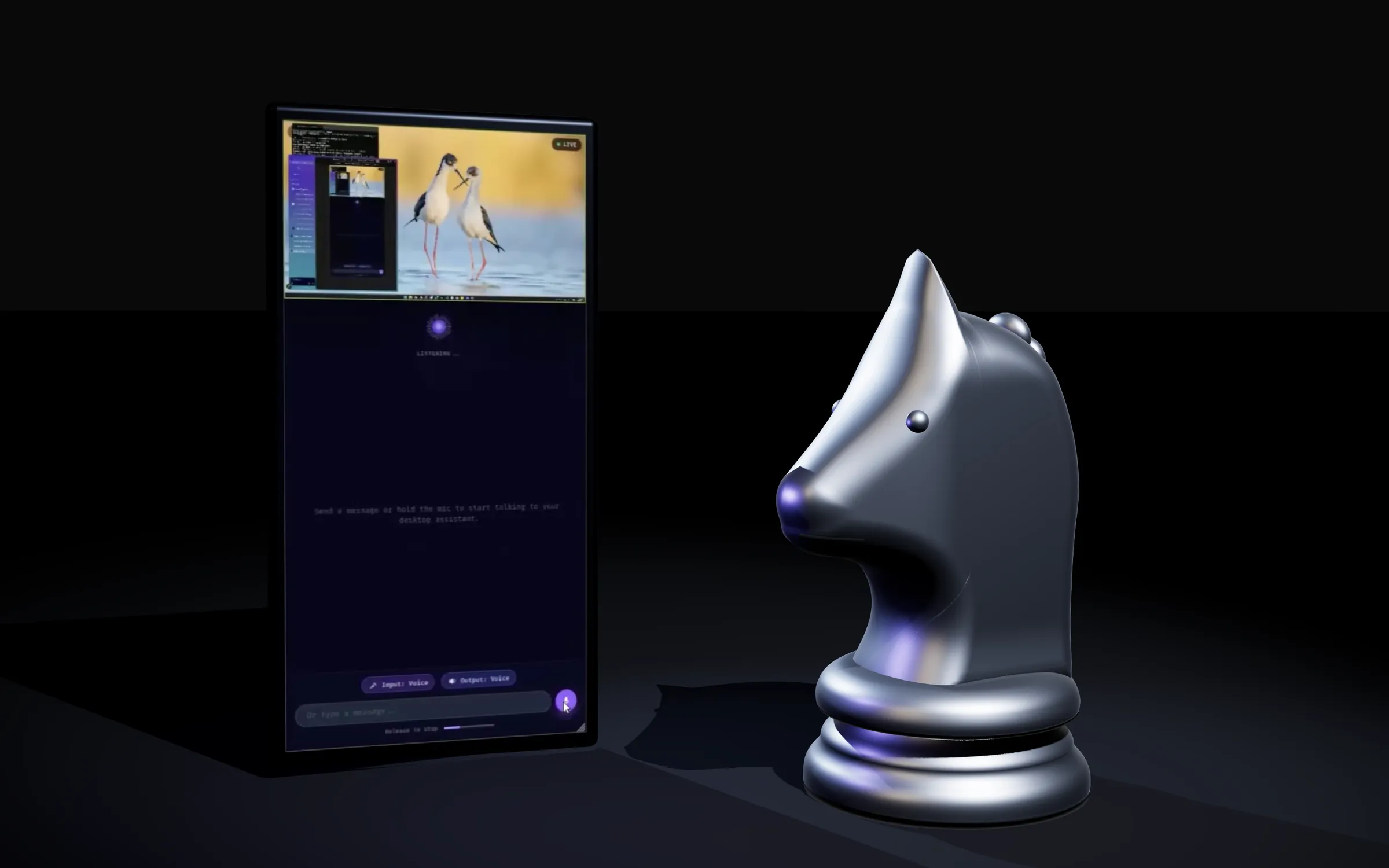
Result and evidence
- 90%+ of demo desktop tasks, unaidedControlled evaluationA demo task set, not general use.
- ~2-5 s from voice to actionControlled evaluationPhone audio and screen video over WebRTC to the Gemini Live API.
The case
- Problem
- Driving a Windows desktop from a phone usually means pinching at a small mirror of the screen. The aim was to say the task instead, and have an agent that can see the screen carry it out.
- Decision
- Stream phone audio and the desktop's screen over WebRTC to the Gemini Live API, and have a ReAct agent act on exact UI element ids from the Windows UI Automation tree rather than on pixel guesses.
- Constraint
- Pairing had to need no setup: the phone and the desktop find each other through the same Google account, with no QR codes or session URLs.
Architecture
- Phone web appNext.js on Cloud Run
- Desktop executorPython, WebRTC
- ReAct agentUI Automation tree
Beside the path
- Firestoresignalling, from Phone web app
- Gemini Live APIvoice and screen, from Desktop executor
Around it
- GitHub Actions + Cloud Builddeploys the web app
What was built
- A ReAct agent that clicks exact UI element ids from the Windows UI Automation tree and from annotated screenshots, with perceptual-hash verification. It completed 90%+ of demo desktop tasks unaided.
- Phone audio and screen video are streamed over WebRTC to the Gemini Live API. The agent acts on spoken commands within about 2-5 seconds. Pairing needs no configuration, using Google OAuth and Firestore signalling.
- A GitHub Actions and Cloud Build pipeline that auto-deploys every frontend change to Cloud Run.
The product
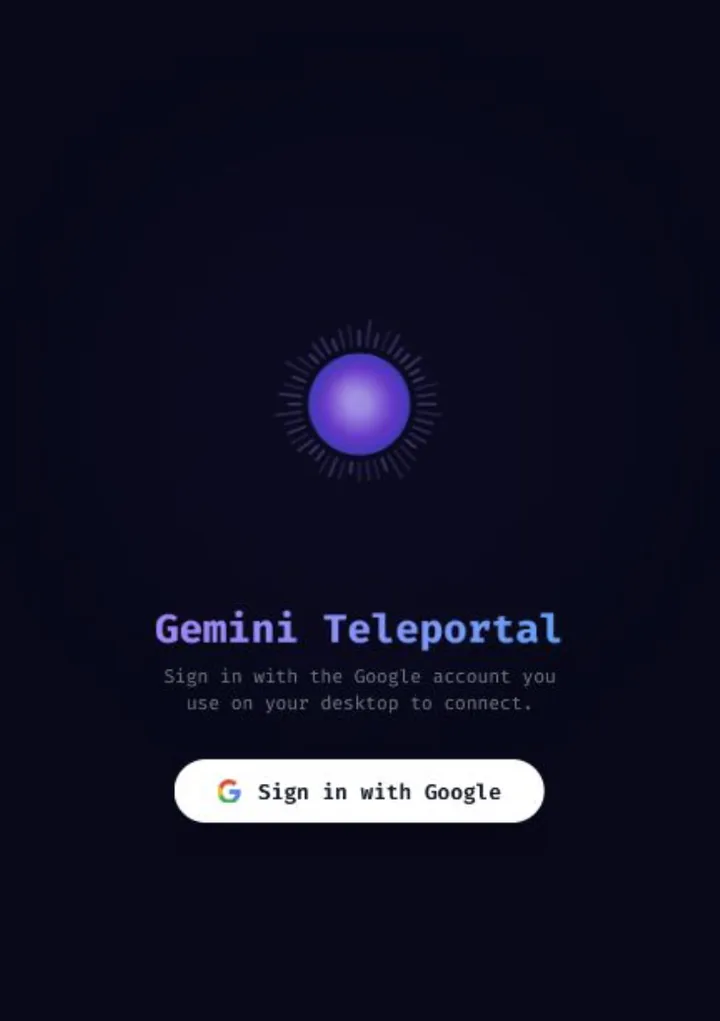
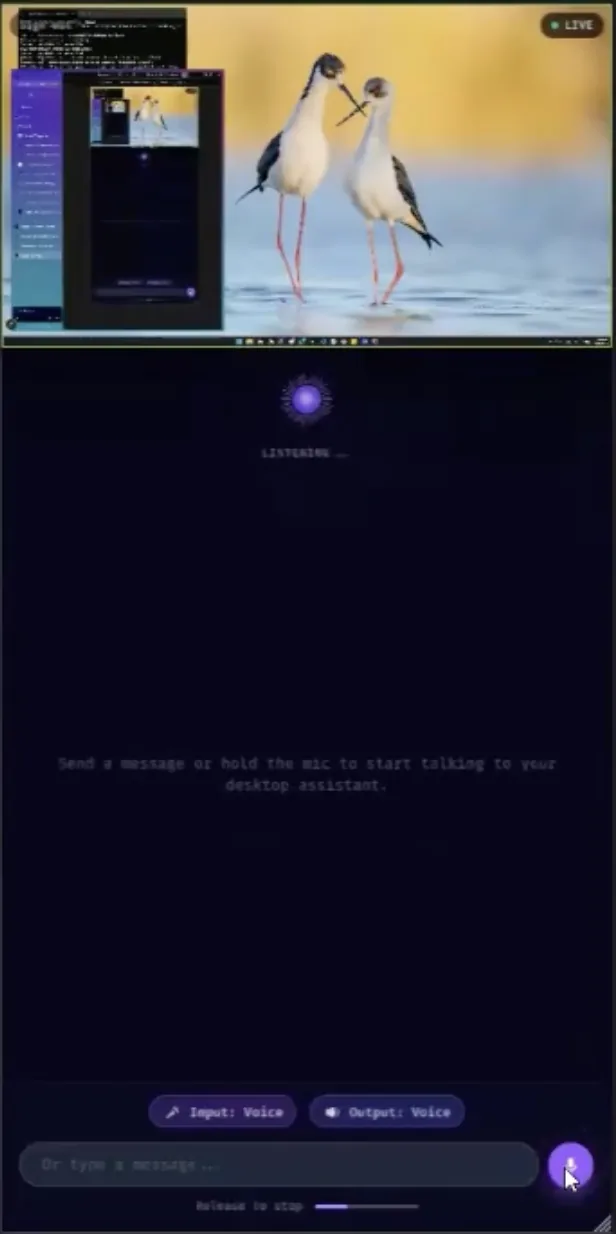
Built together with Kai; the repository is under his account. Made for the Gemini Live Agent Challenge.
Next.js · TypeScript · Python · Gemini Live API · WebRTC · Firebase · Cloud Run
Next, 3…Bc5CircuitMindAI